
Customize your hearing aid experience with your smartphone and the Thrive app. The Thrive app allows you to adjust settings, create personal memory settings, track your health and wellness, and more. Plus, connect your hearing aids to your Apple or Android device and enjoy additional features and functionality available only through the Thrive app.


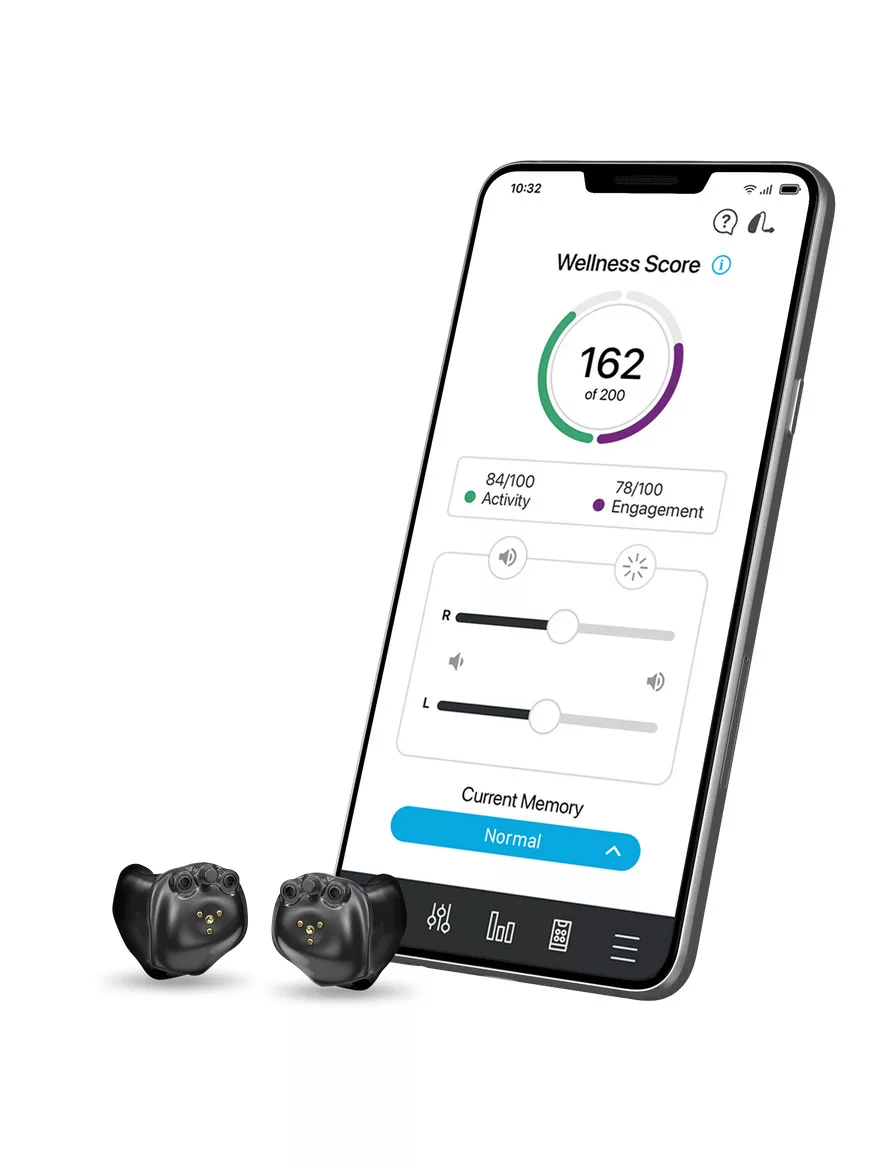
Thrive App Features
Ready to get more out of your hearing aids? Some of the features provided by the Thrive app are quality-of-life improvements like remotely adjusting volume and noise suppression. Others include cutting-edge AI-powered functions like real-time language translations. Let’s check out just some of the amazing features you can get through the Thrive app.
You’re in Control with the Thrive App
Thrive App Frequently Asked Questions

Is my smartphone compatible?
How do I set up my Thrive account?
It’s easier now more than ever to set up a new account with the Thrive app. Just use your email address or an existing Apple, Google or Facebook login. Need a little help getting started? Check out some video walkthroughs below!
Can I check my hearing aid functionality with the Thrive app?
Absolutely! The Thrive app comes with a built-in feature called “Self Check” that lets you troubleshoot hearing aid performance. Check out the video below for a full walkthrough of how to use this feature.
*Please note, Self Check only works for troubleshooting certain issues; for more complex hearing aid performance issues, please consult your hearing aid specialist.
How do I use certain Thrive app features?
Getting to know all the bells and whistles that come with the Thrive app can be overwhelming. There’s a lot you can do with this powerful application. Thankfully, we have video how-tos! Check them out below to familiarize yourself with how to use some of the more popular features available through the Thrive app.